Bulk Add Users
Click the
 button in the upper right-hand side of the screen and select Bulk Add Users to open the panel.
Click the
 icon to download the data list template file. The detailed information on new Users must be filled out in the format indicated in order to be uploaded into Case Central®.
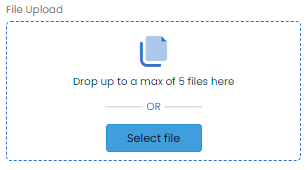
Using the File Upload box, upload the completed file by dragging and dropping it, or by clicking the Select File button to browse for it.
Click Add Users.