Submit Help Request
The Submit Help Request feature gives non-administrative users the ability to request assistance from within the system. To submit a help request, the user can click on their profile icon to open a dropdown menu where a Submit Help Request link appears, allowing them to reach out directly to PMG for support as needed.
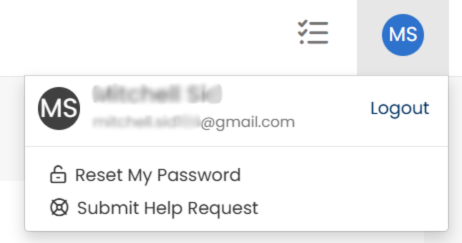
When enabled, all system users can submit help requests. When disabled, only Administrators have the ability to submit help requests. Administrators may submit help requests on behalf of other users.
To enable the Submit Help Request link, click the
 icon to move the toggle switch to the right
  position.