Related Cases
The section helps you identify and manage cases that share common details, such as the same account number, social security number (SSN), or both. By linking related cases, you can view them in one place.
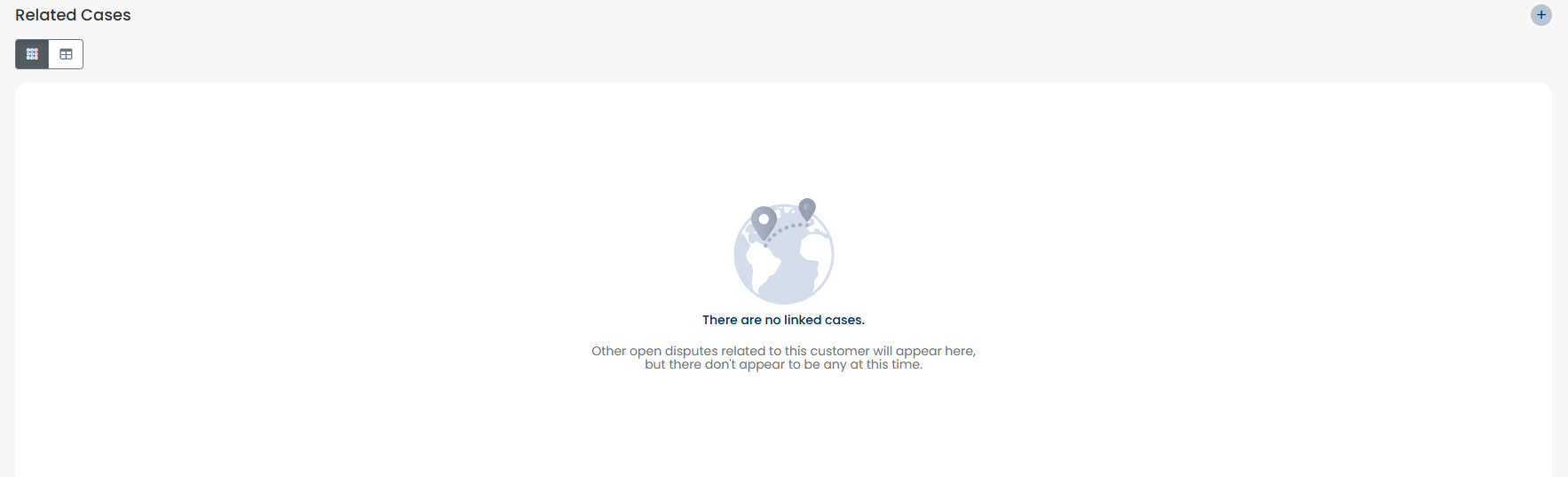
Click the
 icon to search for potential related cases. A list of cases that match by account number or SSN appears. You can review the list and select the cases you want to link.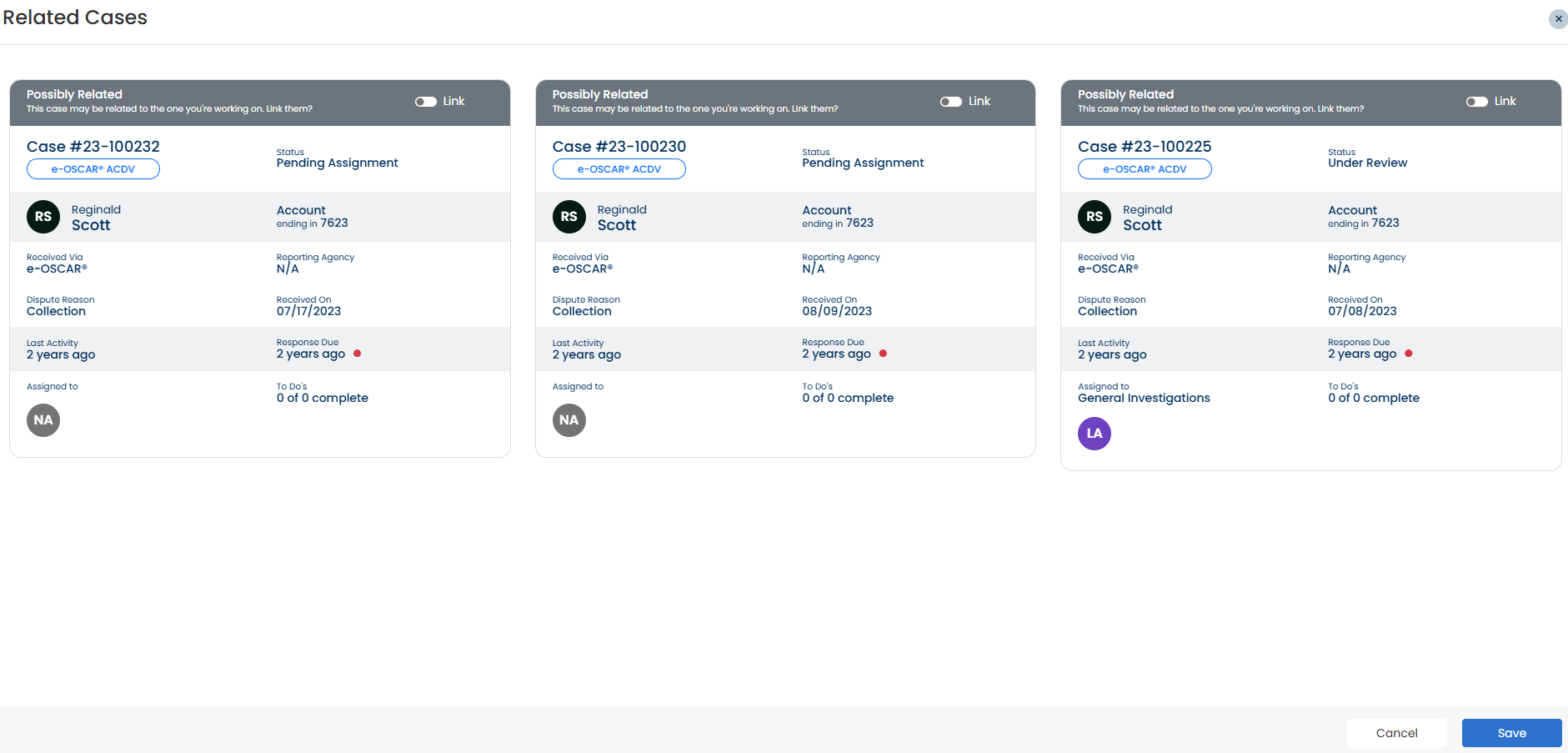
To link a case, click the
 icon to move the toggle switch to the right
  position.
Click Save. Once linked, the cases will be displayed under the section of the case.

Click View to view a linked case.